indicator input
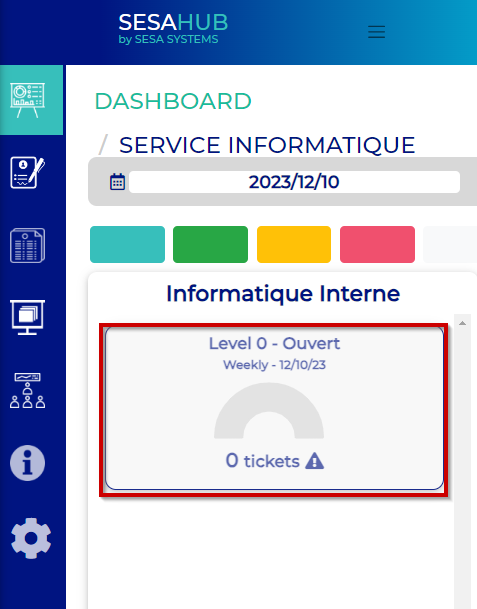
The indicator is created and linked to a service, to fiel it, click on the indicator :
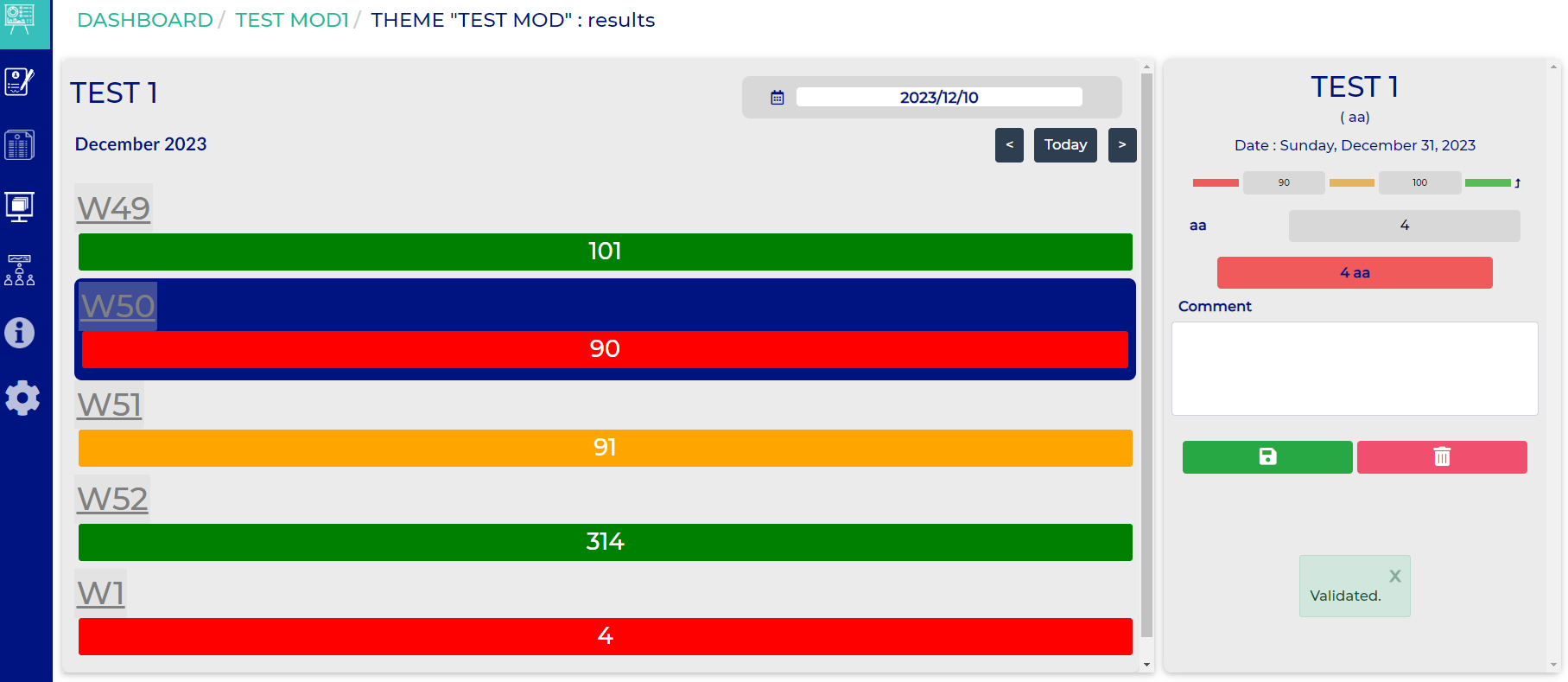
A new window is open which allows to input, modify or delete a value on the indicator,
Screen description :
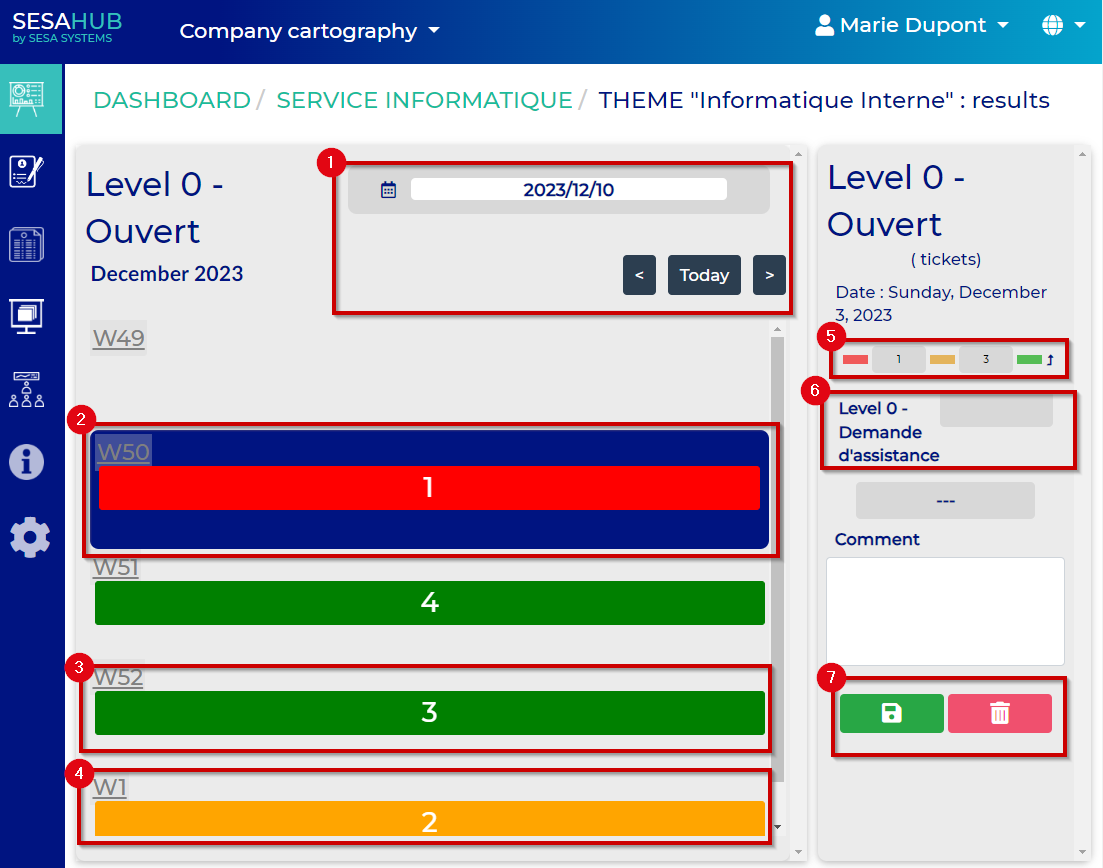
- :Date selection
- :Week 50 : bad result
- :Week 51 : good result
- :Week 53 : Alert result
- :Goals and alert values
- :Indicator input field
- :Save or delete the value at selected date